How to redeem a Minecraft code (Java & Bedrock)
Quick answer
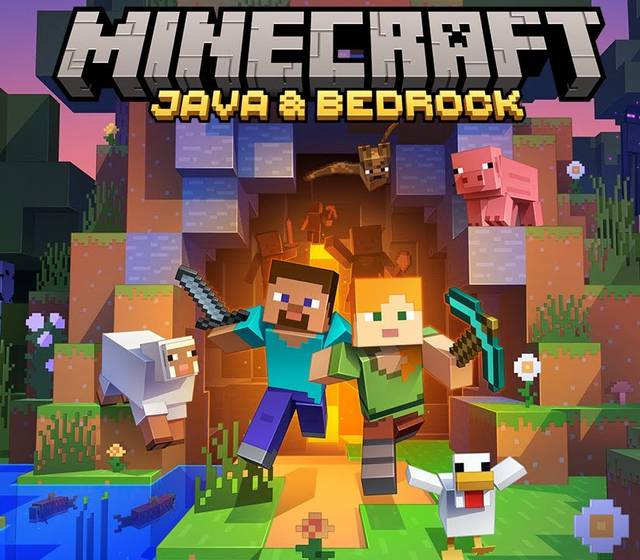
Go to minecraft.net/redeem, sign in with your Microsoft account and enter the 25-character code. Minecraft: Java & Bedrock Edition for PC is then linked to your account, so you can install the launcher and play both editions on Windows.
Redeem it
- Open minecraft.net/redeem.
- Sign in with the Microsoft account you want the game on.
- Enter the code and follow the steps.
Then play
Install the Minecraft Launcher from minecraft.net, sign in with the same Microsoft account and choose Java or Bedrock. Both come with the PC edition.
Minecoins are different
Minecoins are the Bedrock Marketplace currency for skins and worlds. They're redeemed in Bedrock Edition, not on minecraft.net/redeem.